
Crawled – Currently Not Indexed: How to Find the Real Problem
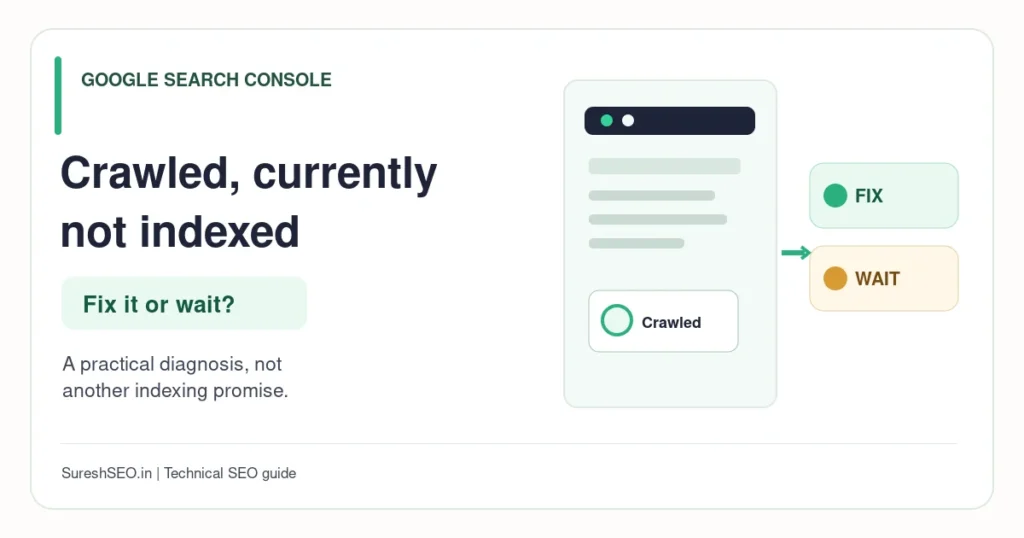
Quick answer: “Crawled – currently not indexed” means Google visited a URL but has not added it to its index. It is not proof that the page is low quality or technically broken. First decide whether the URL deserves its own place in search. Then check the actual page response, rendered content, canonical signals and internal links. Fix something only when you find evidence of a problem. Sometimes the right action is to wait or leave the URL unindexed.
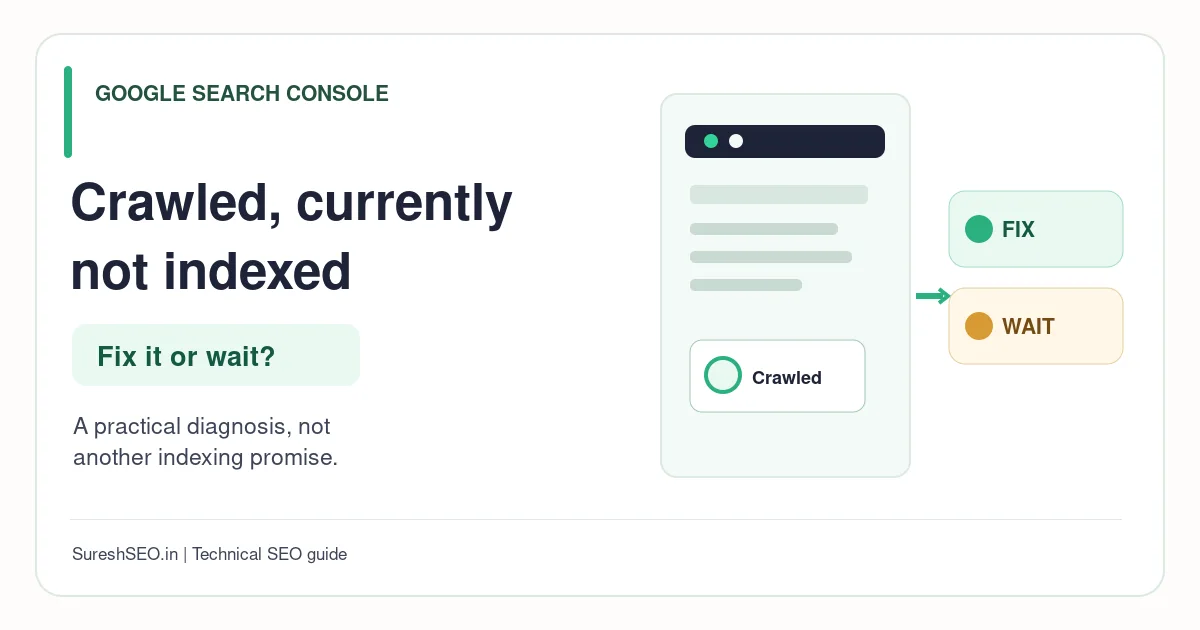
That distinction matters. An empty tag archive, a near duplicate page and a detailed original guide can all appear under the same Search Console status. But they should not receive the same treatment.
Google’s Page indexing documentation now describes this status as common and says it does not necessarily need attention. You still need to investigate if an important page is missing from Search.
What this status actually tells you
Search engines first discover URLs, then fetch pages, process their contents and decide which pages to store in the index. Crawling and indexing are separate steps. A page can be fetched successfully and still remain outside Google’s index.
In Search Console, Crawled – currently not indexed tells you about an indexing outcome. It does not tell you exactly why Google made that decision. It also does not give you a guaranteed fix.
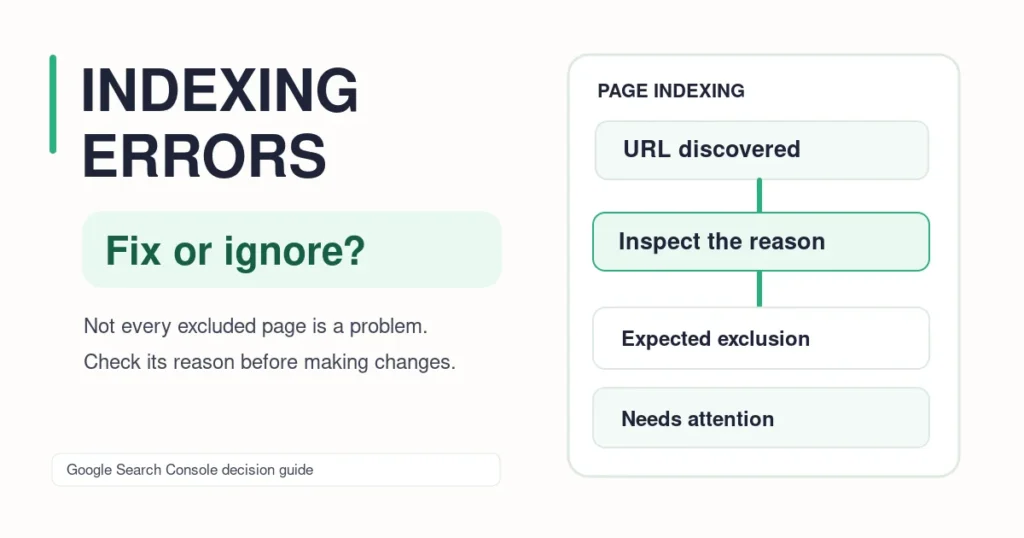
Do not confuse it with Discovered – currently not indexed. In that case, Google knows about the address but has not yet crawled it. The troubleshooting steps are different. Our broader guide to Google Search Console indexing errors explains the other statuses.
Do not infer a specific crawl date from the label alone. Check the indexed information in URL Inspection for available crawl details. Reports can lag behind newer activity, and the live test shows what can be fetched now, not the same thing as Google’s indexed record.
Start with one real URL in Search Console
- Sign in to Google Search Console and select the correct property.
- Open Indexing → Pages. Under Why pages aren’t indexed, select Crawled – currently not indexed.
- Choose a representative URL that should bring useful traffic. A service page or original tutorial matters more than an obsolete tag archive.
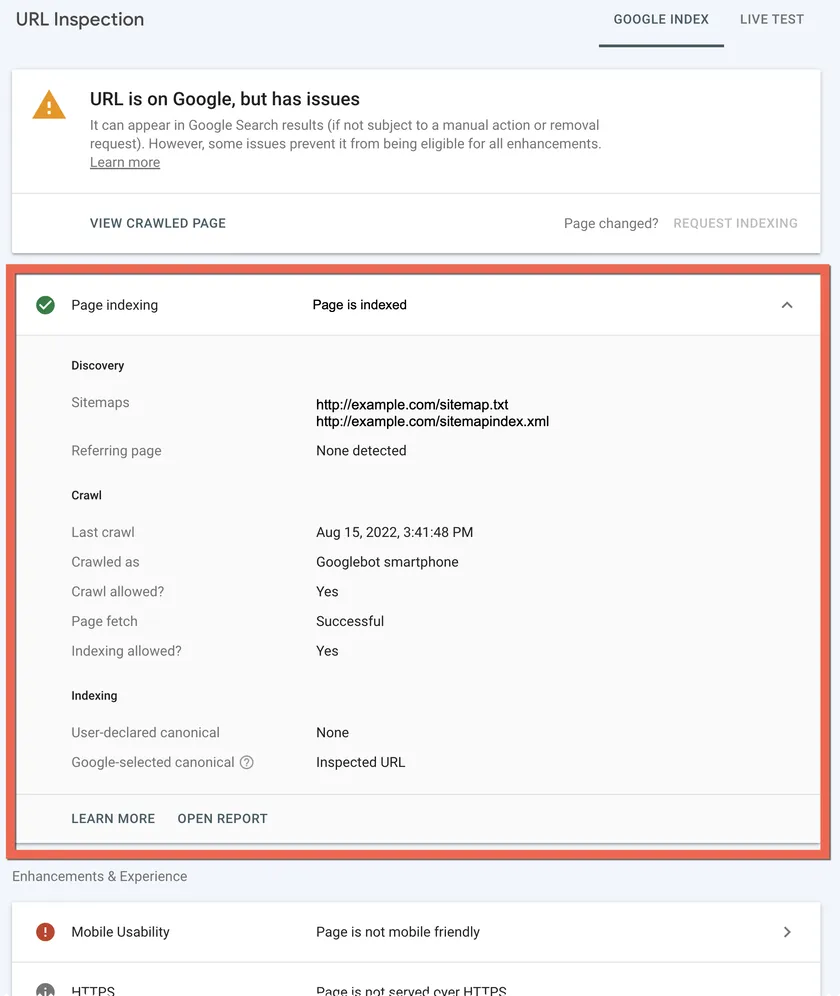
- Open URL Inspection for that exact address. Read the indexed result and its Page indexing details before running a live test.
- Check the available crawl information, Google-selected canonical if shown, and then choose Test live URL. View the tested page’s HTML and screenshot when available.
- Write down what differs between the indexed information and the live result. If you just fixed something, the older record may not reflect the change yet.
What the live test can and cannot prove
If the live test says a URL is available to Google, that is useful. It indicates the tested page can currently be fetched and may be eligible for indexing. But it does not prove the page has been indexed. It does not settle what Google will choose as the canonical URL. And it does not guarantee the content will appear in Search.
Google explains these limitations in the URL Inspection tool documentation. Keep the indexed and live views separate in your notes.
Seven checks before you change the page
1. Does this URL need its own search result?
Ask what a visitor gains by finding this exact page. An article with a clear answer, tested instructions and information unavailable elsewhere on the site may deserve a separate URL. A tag page that only repeats two article snippets may not.
Do not aim for every discovered URL to be indexed. Google recommends focusing on the canonical versions of important pages rather than 100% coverage.
2. Does it return the right response?
Open the exact URL, including its final address after redirects. A public page you want indexed should normally return a working response, commonly HTTP 200. Look for login walls, soft error pages, intermittent server failures and blocked resources.
For sites with JavaScript content, check what a user and a crawler can actually see. A successful HTTP response alone is not proof that the main article text was rendered or indexed.
3. Are robots and indexing directives sensible?
Check for an accidental noindex directive, an X-Robots-Tag header or a robots rule blocking necessary content. Compare the HTML served by your site with the output in URL Inspection.
Do not remove intentional protections from private, staging or low-value pages simply to make a report look cleaner. And do not rely on robots.txt as a reliable way to remove already known URLs from Google Search.
4. Is another page doing the same job?
Compare the page with the closest page on your own site. Are both targeting the same question, using substantially the same examples or answering the same need? If yes, decide whether to keep one stronger version, combine material or make their purposes meaningfully different.
Check the declared canonical in the HTML and the Google-selected canonical if Search Console shows it. A self-referencing canonical is a signal, not a command that forces Google to index a page. Duplicate and canonical statuses can also have their own report categories, so do not assume duplication caused this status without evidence.
5. Can Google see the useful content?
Inspect the rendered page, not just the design in your WordPress editor. Does the main answer appear in actual HTML? Do scripts hide essential text until the user clicks something? Is a giant cookie overlay or broken stylesheet obscuring the page?
Use View tested page in Search Console where available. If you have server logs, they can help confirm fetches. A screenshot of your public page cannot, by itself, prove exactly what Googlebot saw during a past crawl.
6. Does the page add useful information?
Look at the page as a reader. Can someone complete the task? Are there current steps, original examples, clear screenshots, accurate facts and limits? Is it mostly a restatement of another page?
Do not rewrite just to hit a word count. A short page that solves a narrow question can be useful. A long page with the same generic advice repeated several times can still be unhelpful. If the answer is genuinely missing, add it. If the page already serves its purpose, avoid unnecessary changes.
7. Is it easy to reach from relevant pages?
Check whether useful articles or service pages link to this URL naturally. An important guide hidden deep in a listing, with no descriptive links from related content, is harder for people to find.
A sitemap can help discovery, but it is not an indexing guarantee. Link because the destination helps a visitor, not because a checklist says every article needs a fixed number of links.
Two examples: when the same status needs different action
Both examples below are illustrative. They are not client projects, Google Search Console exports or claims about this website. They show how to reason from the evidence you have.
An almost empty tag archive
Imagine example.com/tag/seo-tools/ lists just two article titles and short excerpts. It repeats material found on the blog page, offers no original explanation and has no useful navigation beyond two links.
If it shows Crawled – currently not indexed, do not automatically add 800 words or request indexing. First check whether the archive is useful to visitors and whether it should exist as a separate search destination.
Reasonable options: improve the archive if it really serves a navigation need, consolidate duplicates, or leave it unindexed if indexing was never the goal. Preserve useful navigation for people. The status by itself does not force any one action.
What would change the diagnosis? Evidence of meaningful unique content, substantial user navigation value, or an accidental technical block affecting a page that genuinely should appear in Search.
An original troubleshooting guide
Imagine example.com/guides/wordpress-indexing-checklist/ contains a tested walkthrough, annotated screenshots, a decision table and links to official documentation. It answers a distinct question that no other page on the site addresses.
The guide returns HTTP 200, has no accidental noindex, uses a sensible canonical and is linked from the site’s technical SEO hub. It is still marked Crawled – currently not indexed.
Reasonable next step: inspect the indexed and live views, check the rendered content, verify that the page is not near duplicate and allow time if no clear issue appears. Do not delete and recreate the URL just because it has not entered the index.
What would change the diagnosis? A failed page fetch, missing rendered instructions, a conflicting canonical, an accidental exclusion or evidence that the guide substantially overlaps another URL.
A real public-site check: what it does and does not tell us
On 23 November 2026, a public check of the SureshSEO guide about Google Search Console indexing errors returned an HTTP 200 response. Its rendered HTML contained an index, follow robots directive and a canonical pointing to its own published URL. The URL also appeared in the public post sitemap.
Real observation, limited conclusion: those checks show that the public page responds and declares its indexing preferences. They do not tell us whether Google indexed that URL, what Google selected as canonical or when it last crawled the page. Only the relevant Search Console property can answer some of those questions directly.
This is why a checklist matters. It separates evidence you can collect from a browser from decisions that only Google makes.
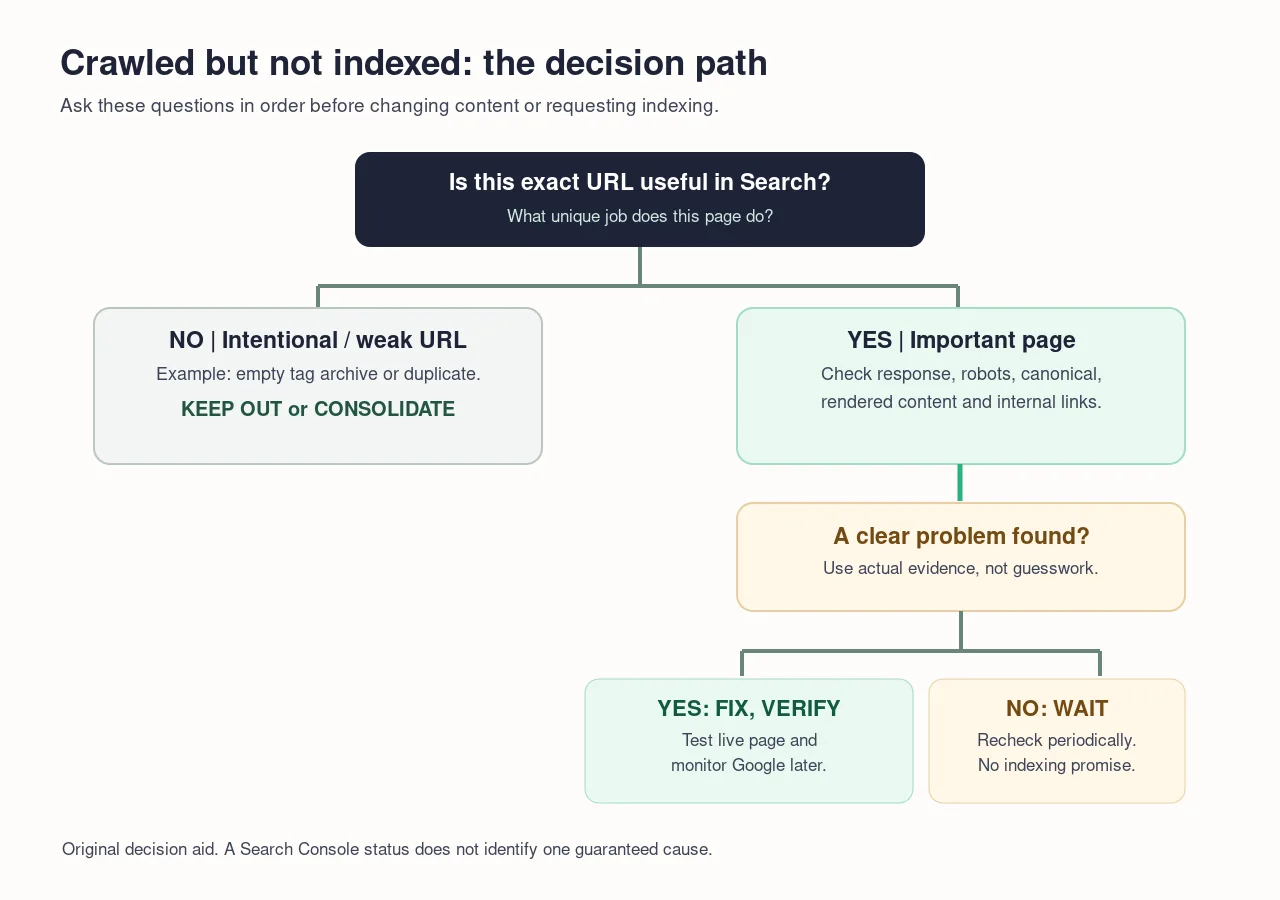
Use this decision tree: improve, consolidate, keep, or wait
| Evidence | What to do | What to check next |
|---|---|---|
| Low-value archive or intentional duplicate | Keep, consolidate or exclude according to its purpose. | Does the useful canonical page work? |
| Important page has a real technical fault | Repair only the confirmed issue. | Does the live test show corrected fetch and rendered content? |
| Important page is too similar to another | Give it a distinct task or merge material into the stronger page. | Which URL is the clear best answer? |
| Important page is sound and newly published | Wait and monitor; avoid repeated submissions. | Does URL Inspection change after Google’s next processing? |
| Several important pages fail together | Inspect common templates, hosting and rendering. | Is there a shared cause across those URLs? |
The simplest rule is this: if you cannot point to a real change that helps visitors or repairs access, you probably do not have a meaningful fix to make yet.
Should you request indexing again?
Not as your first step. Google says a crawl request does not guarantee indexing, and repeating requests for the same URL does not make crawling faster. If you have repaired a concrete issue or substantially improved an important page, a request through URL Inspection may be reasonable. But it is not a substitute for the repair.
For many URLs, maintain a clean sitemap and useful internal links. Google’s recrawling guidance explains both the options and their limits.
Avoid deleting and reposting an article, changing its URL repeatedly or adding generic text just to make the date look new. Those changes can create more problems than they solve.
How to track an actual outcome
Record only the fields you can verify. This short worksheet works for one URL or a small sample of URLs that share a template.
| Record | What to capture | Why it matters |
|---|---|---|
| URL and page purpose | Exact address and intended reader task | Shows whether this URL should be indexed at all |
| Report status and checked date | Page indexing label; observation date | Creates a baseline without inventing a crawl date |
| Index view | Available crawl details and canonical information | Shows what Google reports for the indexed record |
| Live view | Fetch result, rendered page, detected directives | Shows what can be accessed now |
| Site comparison | Closest overlapping URL and relevant incoming links | Tests duplicate purpose and discovery paths |
| Action and evidence | Exact fix, or a clear decision to wait | Prevents random edits |
| Follow-up | New status and any verified change | Separates progress from assumptions |
There is no universal number of days after which this status becomes an emergency. Check a recently published page again after Google has had time to process it. Escalate sooner when many valuable URLs share a confirmed server, template or rendering problem.
If the same important page remains unindexed despite a sound technical setup, examine whether it contributes a different, useful answer to the site. You can improve a page without changing its URL, and you can also decide that no action is appropriate.
Questions readers often ask
Is “Crawled – currently not indexed” a Google penalty?
No. The label alone is not evidence of a manual action, spam penalty or poor-quality verdict. Check Search Console’s Manual Actions and Security Issues reports if you suspect those specific problems.
Will adding more words solve it?
There is no fixed word count that forces indexing. Add information only where it helps answer an actual question. A useful example or a missing troubleshooting step matters more than padding.
Can a page be indexed even when the report still shows this status?
Reporting can lag. Inspect the exact URL in Search Console. A fresher indexed result can differ from the grouped Page indexing report until its data updates.
Should I set every page to index, follow?
No. Some pages should remain unindexed or consolidate into a canonical page. Set the indexing preference based on the page’s role, then check that the site and Google interpret it as expected.
The next action to take
Pick one important URL from Crawled – currently not indexed. Inspect its indexed result. Test the live page. Compare its purpose against the closest page on your site. Write down the one concrete thing you found, or write no verified problem yet.
If you need to examine the title, headings and other visible page elements as part of that review, the free on-page SEO checker can support a basic content audit. It does not reveal Google’s private indexing decision. For a wider explanation of all exclusion categories, use our Page indexing troubleshooting guide.
The point is not to force every page into Google. It is to help your important pages earn their place and to avoid wasting time on exclusions that are normal.
Official sources and further reading
- Google Search Console Help: Page indexing report. Meaning and scope of the status.
- Google Search Console Help: URL Inspection tool. What indexed and live results can show.
- Google Search Console Help: Inspect and troubleshoot a single page. Source of the genuine interface example above.
- Google Search Central: How Search works. Why crawling does not guarantee indexing.
- Google Search Central: Ask Google to recrawl. When requesting a recrawl is appropriate.