
Off-page SEO guide
Social Bookmarking in SEO: What It Is, Benefits & How to Do It
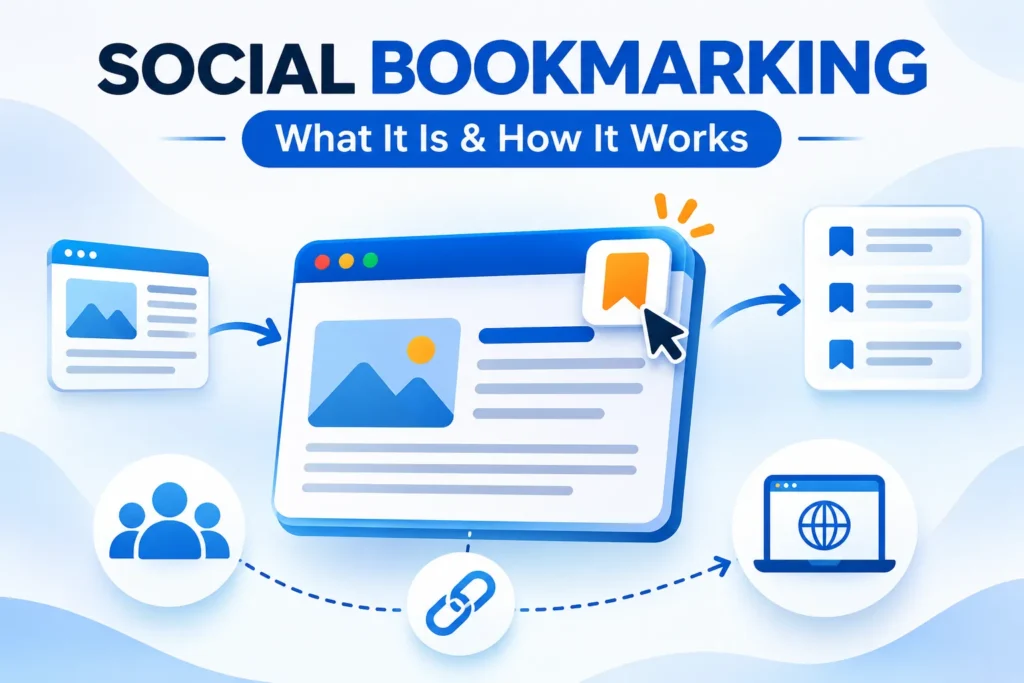
Social bookmarking is one of the ways to save, organise, and share website links online. But how does it work? And does social bookmarking submission actually help with SEO?
In this article, we are going to understand what social bookmarking submission is and what kind of SEO benefits social bookmarking websites can provide to our website. We’ll also look at useful social bookmarking sites and how to submit your website links step by step.
What Is a Social Bookmarking Website?
First, let’s understand what a social bookmarking website is.
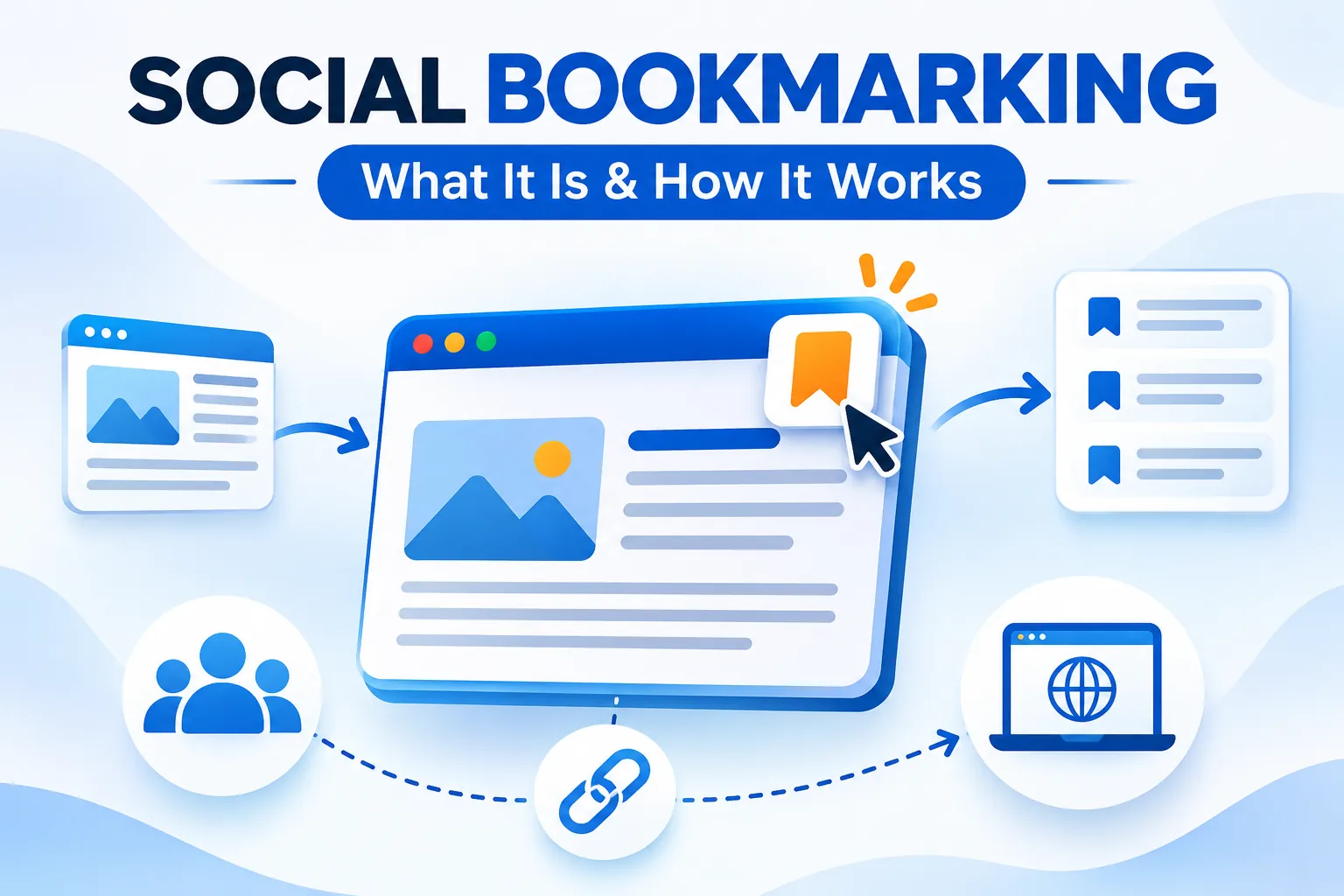
There are many social bookmarking websites available online. These websites allow users to submit URLs. When you submit a URL, some platforms automatically collect information from that webpage and display it in an article or preview format.
You don’t necessarily need to write an article manually and upload it. You just need to provide the URL. Depending on the platform, the website may automatically fetch the title, description, featured image, and other information from that URL.
Some websites also display the article content in a readable format. The platform may provide a link to the original source URL. If someone reads your article on that platform, there is a chance they will click the original source link and visit your website.
This is the first benefit of social bookmarking.
For example, suppose you have published an article about digital marketing on your website. You can save or share that article on a relevant social bookmarking website. If someone finds the article interesting, they may open it and visit your original blog to read more. This is how social bookmarking can help people discover your content.
Other Things You Can Do With Social Bookmarking Sites
The second benefit is that social bookmarking websites allow users to save articles they find interesting. For example, if I visit a social bookmarking website and create an account, I can save articles that I want to read.
By saving these articles, I can easily return and read them in the future. If necessary, I can also visit the original website directly from the saved article.
Social bookmarking platforms can support different types of content, such as:
- Articles
- Videos
- Stories
- Blog posts
- Educational resources
- Useful website links
- Research and reference materials
You can also choose whether your saved or submitted content should be public or private, depending on the platform.
For example, suppose I find five useful articles about SEO. Instead of saving all five URLs in a document, I can save them in my bookmarking account. Whenever I want, I can open that account and read those articles.
Some platforms also allow me to organise the saved links into different categories or collections.
Public and Private Bookmarking
You can keep your content private if you don’t want everyone to see it. Some social bookmarking platforms also provide options to share content only with a specific group of people.
This is useful when you want to share articles with colleagues, friends, or people who have similar interests.
For example, if I want to share my SEO resources only with a few people, I can create a private collection or group where that feature is available. If I want everyone to discover those resources, I can make the collection public.
Remember that private bookmarks are mainly useful for saving information. They generally won’t provide a publicly discoverable link to your website.
What Are the Benefits of Social Bookmarking in SEO?
Now, let’s understand the SEO benefits of social bookmarking submissions.
Social bookmarking was traditionally used as an off-page SEO technique. Today, its main value is helping people find and share useful content. Here are five benefits worth understanding.
1. Website Traffic
The first benefit is that social bookmarking can help generate traffic to your website. When people discover an interesting article on a bookmarking platform, they may click the original source URL. This can bring additional visitors to your website.
For example, suppose you submit a blog about keyword research to a platform where people regularly read digital marketing content. Someone looking for keyword research information may find that article and visit your website.
If your content is helpful, that visitor might read another blog, explore your services, or contact you. However, the traffic depends on how many people discover and click your content. Simply submitting a URL doesn’t guarantee regular visits.
2. Backlinks to Your Website
The second benefit is that social bookmarking platforms may create links to your website. When you submit a URL, some platforms display the original source link. This link can help users visit your website.
But there is one important thing to understand. Not every social bookmarking link is a high-quality SEO backlink.
Some platforms use nofollow or other link attributes. Some links are only visible to logged-in users, while others are not indexed by search engines. So, submitting your website to a popular platform doesn’t automatically mean you receive a powerful backlink.
Google’s spam policies warn about low-quality directory or bookmark site links created to manipulate search rankings.
The better approach is to share genuinely useful content on relevant websites instead of submitting links only to increase backlink numbers.
3. Relevant Visitors
The third benefit is that social bookmarking can bring relevant users to your website. These visitors may already be interested in your content because they have read the article description or preview before clicking through to your website.
As a result, there may be a greater chance of converting these visitors into customers.
For example, suppose someone is researching SEO tools. If that person finds a useful article about an SEO content optimiser, they may visit the website to try the tool. That visitor has a clear reason to visit the website.
This is why attracting relevant visitors is often more useful than getting random traffic.
4. Better Content Visibility
The fourth benefit is that social bookmarking can help more people discover your content. When you publish a useful article on your website, it may take time to build an audience. Sharing it on a relevant platform can give the article another way to reach interested readers.
For example, a useful guide about technical SEO may get discovered through a marketing-related collection. A tutorial about website design may attract readers from a design-focused community. And a visual guide about home decoration may perform well on Pinterest.
The important point is to choose platforms where people are actually interested in your topic.
5. Possible Indirect SEO Benefits
The fifth benefit is the possibility of indirect SEO improvements. For example, someone may discover your article through a bookmarking platform. They may find it useful and later mention it in their own blog.
Another website might reference your article as a helpful source. That can lead to natural backlinks and more exposure.
However, social bookmarking does not directly guarantee higher domain authority or improved search rankings. Google explains that links can help search engines discover pages, but discovery does not guarantee crawling or indexing.
You can learn more from Google Search Central.
Popular Social Bookmarking Sites You Can Try
Now, let’s look at some social bookmarking websites. There are many websites where you can save and share content. However, not all of them work in the same way.
Some are traditional bookmarking tools. Others are content-curation platforms or communities where users share links. Here are nine platforms worth knowing.
| Website | Best Used For |
|---|---|
| Sharing images, infographics, visual guides, and website links | |
| Creating collections of articles in digital magazines | |
| Diigo | Saving, tagging, and sharing useful website links |
| Raindrop.io | Organising bookmarks and sharing public collections |
| Scoop.it | Curating articles around specific topics |
| Wakelet | Collecting and presenting useful online resources |
| Tumblr | Publishing posts and sharing content with links |
| Sharing helpful resources in relevant communities, where permitted | |
| Hacker News | Sharing interesting technology and startup-related content |
You can visit these websites and try sharing your website URLs manually, one by one, where the platform and community rules allow it. But don’t submit every page to every platform.
For example, Pinterest may be useful for visual content, while Hacker News is more suitable for genuinely interesting technology articles. Reddit is different again. Each community has its own rules, and many communities don’t allow promotional links.
Choose the platform based on your content and audience.
A Useful Fact About Pinterest
According to Pinterest’s third-quarter 2026 results, the platform reached 661 million monthly active users worldwide. This doesn’t mean every website shared on Pinterest will receive traffic. But it shows that large numbers of people use content discovery platforms to find ideas, resources, and products.
How to Do Social Bookmarking Submission: Step by Step
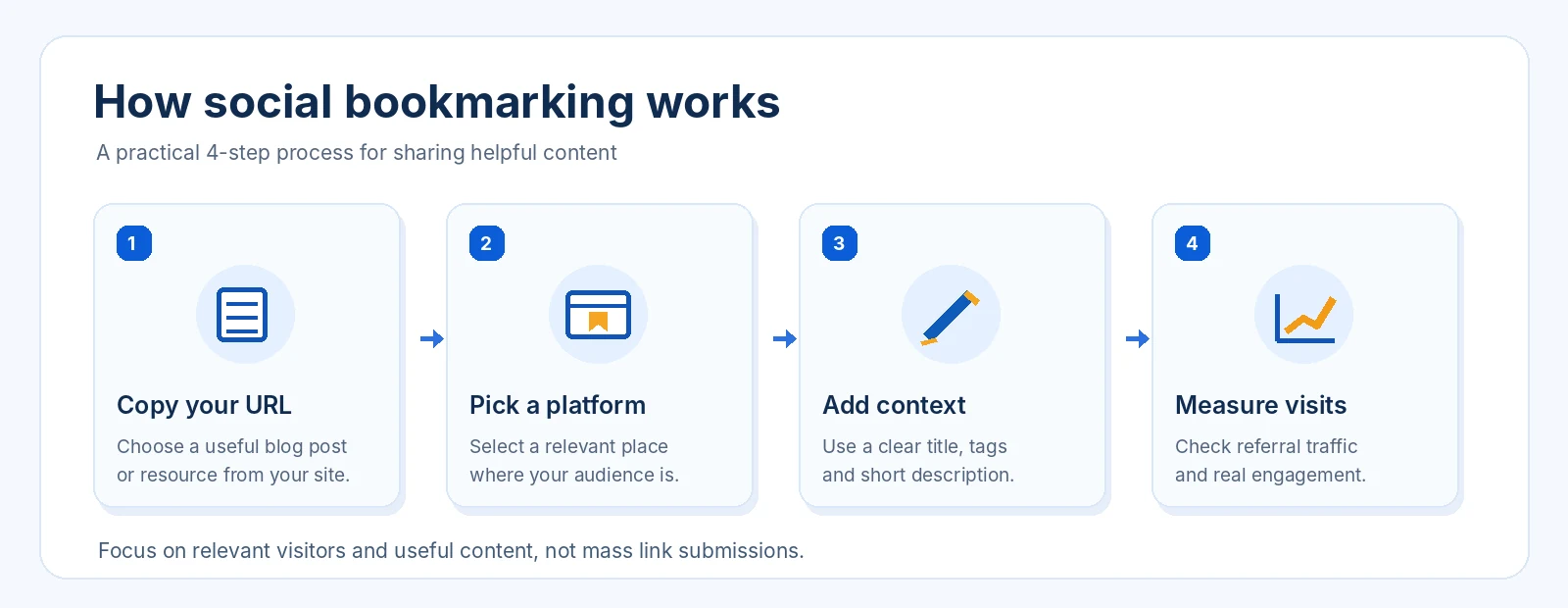
Now, let’s understand how to submit a website URL. For this demonstration, we’ll use Diigo. Diigo is a bookmarking platform where users can save website links, add tags, and choose whether bookmarks are public or private.
Step 1: Open the Website
First, visit diigo.com. Create an account using the available registration options. After creating your account, sign in.
Step 2: Choose an Article From Your Website
Now, go to your website. Open the blog section. For example, suppose I have published an article titled “Understanding Digital Marketing Team Structure.”
I want to save and share this article. First, I will copy the URL of that blog post. Make sure you copy the correct URL.
Step 3: Save the URL
Now, return to Diigo. Use the bookmarking option or Diigo browser extension to save the webpage. Paste or capture the article URL. Depending on the method you use, Diigo can collect information from the page. You can also enter or edit the bookmark title.
Step 4: Add Tags and a Description
Now, add a few relevant tags. For example, if the article is about digital marketing, I might use Digital Marketing, Marketing Team, SEO, and Online Marketing.
You can also add a short description that explains what the article is about. Keep the description simple. Don’t add unrelated keywords just to attract more visitors.
Step 5: Choose Public or Private
You can choose whether the bookmark should be public or private. If you’re saving the article for personal reference, you can keep it private. If you want other users to discover it, you can make it public.
Step 6: Save the Bookmark
Now, save your bookmark. The saved article will be available in your Diigo library. You can return to it whenever you want.
Other users may also discover it if it is publicly available. When someone opens the original article link, they can visit your website. That’s how the basic bookmarking process works.
You can find more details in Diigo’s official bookmarking guide.
Another Example: How to Share a Blog on Pinterest
Let’s understand another example using Pinterest. Suppose you’ve published an article titled “Local SEO Checklist for Small Businesses.”
You can create an infographic that summarises a few important points from the article. Next, open Pinterest and create a Pin.
Upload the image, add a title, and write a short description. Then add the original blog URL as the destination link. Choose a relevant board and publish the Pin.
If someone finds that image useful, they may click the link and visit your original blog.
This is particularly useful when your article includes screenshots, visual instructions, checklists, or infographics.
What About Pocket and Digg?
You may have seen older social bookmarking tutorials demonstrating Pocket and Digg. The original bookmarking process was simple.
You would open Pocket, create an account, and choose a few interesting categories. The platform would show recommended articles. From a user’s perspective, suppose I found an article interesting. I could save that article to read later.
Whenever I wanted, I could return to Pocket and read the saved article. There was also an option called “View Original.” Clicking that option would take me to the website where the article was originally published.
To save an article from my own website, I would copy the blog URL, paste it into Pocket, and add it to my saved list. The platform could automatically display the article’s title, original URL, and estimated reading time. This made saving and revisiting useful articles easy.
However, Pocket is no longer available. Mozilla officially shut down Pocket on July 8, 2025. You can read the announcement on the Mozilla blog.
Digg has also changed from its traditional link-sharing format, so older submission tutorials should not be treated as current instructions. If you want to try social bookmarking, use one of the active platforms listed above.
Best Practices for Social Bookmarking Submission
Now that you understand how social bookmarking works, let’s look at a few things you should follow.
- Choose relevant websites. Share your content on platforms where people are interested in your topic. A relevant audience is more important than the number of sites you submit to.
- Write useful titles and descriptions. Give people a clear reason to click the link. Avoid keyword stuffing and exaggerated claims.
- Don’t copy the entire article everywhere. Some platforms allow you to publish full content, but sharing a useful summary with a link to the original article is often a better approach.
- Don’t submit hundreds of links automatically. Mass submissions to low-quality bookmarking websites can create a spammy link profile.
- Check your links. After submitting an article, make sure the source URL is correct and the link works.
- Follow community rules. This is particularly important on platforms such as Reddit and Hacker News.
- Track your results. Use Google Analytics to check whether any visitors are coming from the platforms where you shared your content.
For example, you can check your referral traffic in GA4. If a platform is bringing relevant users, you may want to continue sharing useful content there. If you aren’t getting any visits or engagement, submitting more links to the same platform may not be worth your time.
Does Social Bookmarking Help With Google Indexing?
There is one more important question. Can submitting an article to a social bookmarking website help it get indexed faster?
When you share a URL publicly, search engines may discover that link if they can crawl the page where it appears. But this doesn’t mean the original article will automatically get indexed.
Even if a bookmarking platform has a strong reputation, Google doesn’t guarantee indexing just because your URL appears there.
Google explains that it discovers pages through several methods, including links and sitemaps. For your own website, it’s better to focus on proper internal linking, XML sitemaps, and Google Search Console.
You can also use the URL Inspection tool to check the indexing status of an important page. Read Google’s crawling and indexing documentation for more information.
Frequently Asked Questions
Is social bookmarking good for SEO?
Social bookmarking can help people discover your content and visit your website. It may also lead to additional exposure and natural mentions. However, it doesn’t guarantee better search engine rankings.
Does social bookmarking create backlinks?
Some social bookmarking websites create public links to the original source. However, those links may use nofollow attributes or have limited SEO value. Always check the platform and link rather than assuming it’s a high-quality backlink.
Are social bookmarking websites free?
Many social bookmarking platforms offer free features. Some also provide paid plans for additional storage, collaboration, analytics, or advanced tools.
Can I submit my homepage, product pages, or service pages?
Yes, if the platform allows that type of content. However, informative articles and genuinely useful resources are often a better fit than purely promotional pages.
Is social bookmarking the same as social media marketing?
Not exactly. Social bookmarking mainly focuses on saving, organising, discovering, and sharing useful links. Social media marketing involves broader activities such as publishing content, building communities, interacting with followers, and promoting a business. Some platforms combine both functions.
How many social bookmarking submissions should I do?
There is no fixed number. You don’t need to submit your article to 50 or 100 websites. Start with a few relevant platforms. Check whether they bring visitors and engagement. If you’re getting useful results, continue sharing relevant content. If not, focus on other methods of content promotion.
Final Thoughts
Now you should understand what social bookmarking is and why it can be useful for SEO.
Social bookmarking websites allow you to save articles, organise useful resources, and share website links with other people. Depending on the platform, the website may automatically collect information from your URL and display it in an article or preview format.
Users who find your content interesting may click through to your original website. This can help generate relevant referral traffic.
However, don’t treat social bookmarking as a shortcut to higher Google rankings. Focus on useful content, relevant platforms, and real visitors instead of trying to create as many backlinks as possible.
If you are already working on your website’s SEO, social bookmarking can be one small part of your content promotion strategy. For more ideas, read my guide on which on-page SEO elements matter most.
Need Help Improving Your Website’s SEO?
Social bookmarking is only one part of off-page SEO. Technical SEO, helpful content, internal links, and relevant backlinks also matter. I help businesses improve their search visibility through practical SEO work, without relying on link farms or bulk submissions.