
Local SEO · Bangalore
Local SEO Checklist for Bangalore Businesses: My Proven 25 SEO Strategies
Bangalore is packed with businesses fighting for attention. If you want customers to find you, you need strong local SEO — it's not optional anymore. I've delivered 16 SEO projects and developed a 25-point local SEO system that works. It's not theory. It's what I use every day, and it gets results.
In Google’s November 2025 India announcement, the company reported that Google Maps contained information about 35 million places in India. For a view of recent consumer behaviour, BrightLocal’s July 2026 study of 1,227 US consumers found that 73% started their most recent local-business search on a mobile phone and 71% used Google Search at some point during that search. These survey percentages reflect US consumers, not a measurement of Bangalore customers, but they highlight the importance of an accurate local listing and mobile-friendly website. This guide breaks down my full checklist — built for businesses in Bangalore. Whether you're running a café in Indiranagar, a startup in Koramangala, or a shop on Commercial Street, these steps will help people find you online and show up at your door.
Section 1: Google Business Profile Optimization (The Foundation)
1. Claim and Verify Your Google Business Profile
This is the base of your local SEO. When people search for businesses like yours, this is what they'll see first.
Action Steps:
- Search your business name on Google and click "Own this business?" if it's unclaimed
- Follow the steps to verify (usually phone, email, or postcard)
- If you have more than one location, verify each one
Bangalore Tip: Only add your area name to your business title if it's part of the real name. "Indiranagar Brewing Company" is fine. "Coffee House – Indiranagar" isn't. Google might penalize you for it.
2. Complete Your Business Information
Google likes complete profiles, and customers are more likely to contact you if they see all the info they need.
- Use your exact business name, address, and phone number
- Add your website and correct hours
- Pick categories that clearly describe what you do
- Add other details like parking, wheelchair access, etc.
Bangalore Tip: If you're inside a tech park or big complex (like Manyata Tech Park or Whitefield), give clear directions in your description.
3. Write a Compelling Business Description
Say what you do, who you help, and what makes you different.
- Keep it short — 250 to 750 characters
- Use your main keywords naturally
- Show what sets you apart
- Mention the Bangalore areas you serve
4. Add High-Quality Photos and Videos
Good visuals help people trust your business and decide faster.
- Upload at least 10 clear photos (JPG or PNG, 720px or wider)
- Show your storefront with signs
- Add photos of your workspace inside
- Include shots of your team, services, and products
- Add short videos (under 30 seconds) showing what you do
5. Generate and Respond to Reviews
Reviews matter. They boost trust and help you rank higher locally.
- Make a plan to get more reviews (emails, QR codes, signs in your store)
- Reply to every review within a day
- For bad reviews, stay calm and try to fix the issue
- For good reviews, say thanks
Bangalore Tip: Reply in English and Kannada if your customers prefer it.
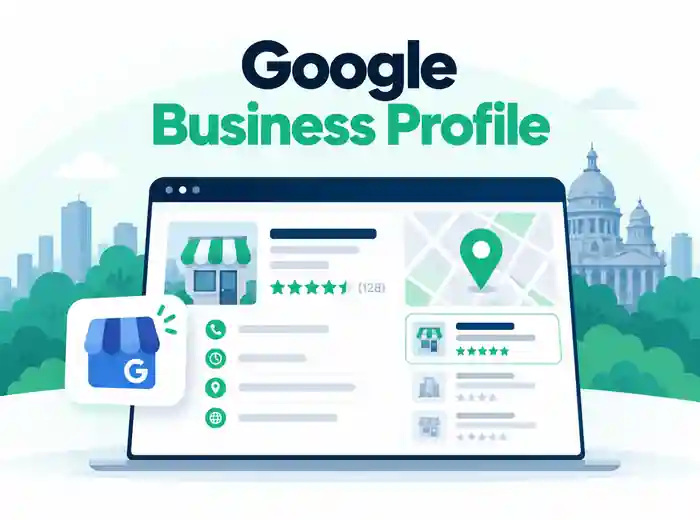
Your Google Business Profile Is Your Digital Storefront
A fully optimized, review-rich Google Business Profile is often the very first impression a Bangalore customer has of you — before they ever open your website. Treat it like your most valuable piece of real estate. Need help setting this up the right way? See my SEO services in Bangalore for a full profile audit and build-out.
Section 2: Website Optimization for Local Search
6. Optimize Your Website's Technical Foundation
Your site should work well and load fast. That helps users and Google.
- Make sure your site works on mobile (most users in Bangalore use phones)
- Load pages in under 3 seconds
- Use HTTPS
- Create and submit an XML sitemap
- Fix broken links and crawl errors
Bangalore Tip: Internet can be slow in some areas — compress images and use lazy loading.
7. Create Helpful Location Pages When Appropriate
Location pages are useful when you have distinct real locations or service areas with genuinely different information. A Bangalore business operating from one location may only need a strong main service page.
- Show the correct address, contact details, and relevant services for each genuine location
- Include unique local information that actually helps customers in that area
- Use authentic local examples or case studies when you have them
- Show a map only for a real, customer-relevant business location
- Avoid near-duplicate neighbourhood pages that merely swap place names; Google warns against doorway pages
8. Implement Local Schema Markup
Structured data describes your genuine business information to search engines. It can help Google understand the page but does not guarantee richer search results or higher rankings. Follow Google’s LocalBusiness documentation.
- Use accurate LocalBusiness structured data on a relevant business page, such as your homepage, where appropriate
- Keep your real business name, location and contact information consistent with your Google Business Profile
- Include applicable business hours, phone number and other real, relevant details
- Only include review-related structured data when eligible; do not expect self-serving LocalBusiness reviews to produce review stars
- Validate supported Google features with the Rich Results Test, and general schema.org markup with the Schema Markup Validator
9. Optimize Title Tags and Meta Descriptions
Titles and snippets help people decide whether to visit your site. Google can generate them using several page signals, so write clear, useful metadata.
- Mention the main topic and location naturally when relevant
- Keep titles concise and descriptive; Google has no fixed 60-character limit
- Write a unique meta description that accurately summarizes the page and gives readers a reason to click
- Keep descriptions readable and concise; Google has no fixed character limit and may shorten or generate snippets
- Don't repeat the same title and meta description across pages
10. Create Locally-Relevant Content
Write content that connects with people in your area. This builds trust and shows you know the community.
- Start a blog with local topics
- Make guides about neighborhoods near your business
- Talk about local events or news
- Answer real questions your customers ask
- Use local keywords, but don't force them
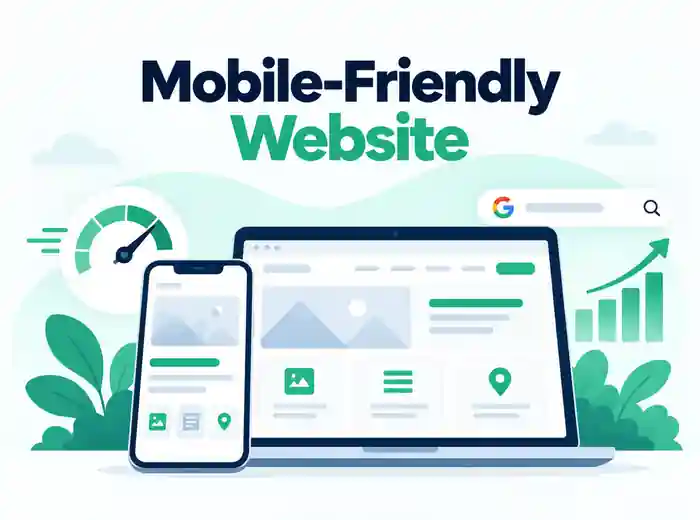
A Fast, Mobile-First Site Wins Local Search
Many people look up nearby services on mobile devices. A fast, accessible website with optimized images and clear business details makes it easier for visitors to compare services and get in touch. Accurate structured data can help search engines understand your business, but it does not guarantee higher rankings. Curious where your site stands today? Get in touch for a free technical review.
Section 3: Citation Building and Link Development
11. Build Consistent Local Citations
Citations are online mentions of your business. These help with local SEO — only if they're accurate.
Top Bangalore-Specific Citation Sources:
- JustDial
- Sulekha
- IndiaMART
- MagicBricks (real estate)
- Zomato, Swiggy (restaurants)
- Practo (healthcare)
- YellowPages India
- Google Maps
- Bing Places
- TradeIndia
12. Develop Local Backlinks
- Team up with nearby businesses and link to each other
- Get listed on Bangalore Chamber of Commerce sites
- Sponsor local events and get links from their pages
- Write guest posts for local blogs or news outlets
- Make useful local resources people want to share
13. Leverage Local Business Associations
- Federation of Karnataka Chambers of Commerce and Industry
- Bangalore Chamber of Industry and Commerce
- Karnataka Small Scale Industries Association
- Confederation of Indian Industry – Karnataka
- TiE Bangalore (for tech startups)
14. Create Location-Specific Social Media Content
- Set up and optimize your business profiles
- Share local news and events
- Use location tags in your posts
- Join and post in local community groups
- Run geo-targeted ads
Bangalore Tip: Use tags like #NammaBengaluru or #BengaluruLife and post about festivals like Bangalore Karaga.
15. Implement a Review Generation Strategy
- Set up a process to ask for reviews
- Train your team to ask happy customers
- Send follow-up emails with links
- Offer small perks (not payments) for honest reviews
- Use QR codes in your store for easy access
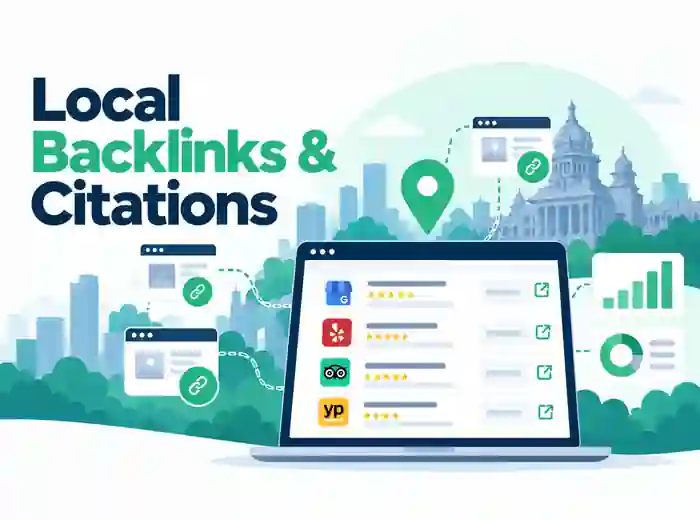
Citations and Backlinks Build Local Trust
Consistent NAP data on JustDial, Sulekha, and Practo — paired with genuine backlinks from Bangalore chambers of commerce and local blogs — tells Google your business is real, active, and rooted in the community. Want a done-for-you citation and outreach plan? Learn more about my approach.
Section 4: Advanced Local SEO Strategies
16. Optimize for Voice Search
- Use natural, simple phrases
- Add FAQs that answer common questions
- Target "near me" searches
- Keep your Google Business info accurate
- Make your site load fast
17. Leverage Google Posts
- Post updates weekly
- Share any offers or news
- Announce events or new stuff
- Add good images
- Use clear calls-to-action
18. Optimize for Mobile Users
- Use responsive design
- Make buttons easy to tap
- Keep text readable
- Avoid annoying pop-ups
- Test your site on different phones
19. Create a Local Link Building Strategy
- Find local sites that relate to your work
- Make content worth linking to
- Contact local bloggers and journalists
- Join events that get media attention
- Watch competitor backlinks and look for gaps
20. Implement Local Keyword Research
Bangalore Keyword Examples:
- "Best IT services in Electronic City"
- "Affordable web design Koramangala"
- "Same-day delivery Whitefield"
- "Corporate catering BTM Layout"
- "Weekend brunch places Indiranagar"
Section 5: Measurement and Continuous Improvement
21. Set Up Local SEO Tracking
Key Metrics:
- Rankings in the local pack
- Organic traffic from Bangalore
- Conversion rate from local visitors
- Click-throughs from your Business Profile
- Number and quality of reviews
22. Monitor and Respond to Q&A on Google Business Profile
- Check for new questions every day
- Answer clearly and quickly
- Add your own FAQs
- Upvote helpful answers
- Report spam or bad content
23. Analyze Competitor Local SEO Strategies
- List top local competitors
- Look at their Google Business Profiles
- Read their local content
- Review their backlinks
- Spot weak areas or missed chances
24. Develop a Local SEO Calendar
- Prep for monsoon season (June–September)
- Cover tech events (like Bengaluru Tech Summit)
- Promote around festivals (Diwali, Dasara, etc.)
- Highlight summer offers (March–May)
- Post about the new financial year (April)
25. Continuously Update and Refine Your Strategy
- Do a full audit every quarter
- Watch for Google updates
- Keep your Google Business Profile fresh
- Update local content based on what's happening now
- Adjust your plan using your results
Your Roadmap to Local SEO Success in Bangalore
Use this 25-point checklist to improve your visibility in Bangalore's local search. It takes time and steady effort, but the results add up. Bangalore is unique — people here are tech-savvy, neighborhoods matter, and the city's growing fast. You can't use a generic strategy and expect it to work. Tailor your plan to fit the way the city works.
Start with the basics:
- Optimize your Google Business Profile
- Fix technical issues on your site
- Make sure your business info is consistent everywhere
Then build from there and keep going. I've seen small companies in Bangalore go from unknown to top-ranked using this exact system — it works if you stick with it. Ready to put it to work for your business? Visit Suresh SEO or book a free consultation today.
Frequently Asked Questions
How long until I see results from local SEO in Bangalore?
You might notice small changes in a few weeks, especially after fixing your Google Business Profile. Bigger changes take 3–6 months, depending on how competitive your space is and how well you follow through.
Are reviews really that important?
Yes, a lot. People in Bangalore check reviews before buying. Google looks at how many reviews you have, how recent they are, and whether they're good. Make review collection a key part of your plan.
Do I need separate pages for each Bangalore neighborhood I serve?
Yes, if you serve different areas. It helps target the right searches and gives people relevant info. Just don't copy-paste the same page with new names — make each one genuinely useful.
How can I compete with big companies in local search?
Stick to your niche and your area. Big companies can't match your local touch. Build trust, get real reviews, post local content, and be part of your community.
How often should I update my Google Business Profile?
Check it weekly. Reply to new reviews or questions, update hours or info as soon as something changes, post something new every week, and add photos every month.